Industrial HMIs operators read in a second
2024 | Case study / by Carmelo Bisignano, User Experience Designer Lead
Project information
- Industry
- Manufacturing, industrial automation
- Duration
- 8 months
- Team
- UX/UI design lead, Product manager, Industrial engineers, Regulatory compliance, QA
- My role
- User research and field studies, Interface design and prototyping, Design system, Stakeholder alignment, Designing for compliance
- Users
- Production operators, Quality inspectors, Plant managers, Maintenance technicians
- Tools
- Figma, Confluence, Jira
Overview
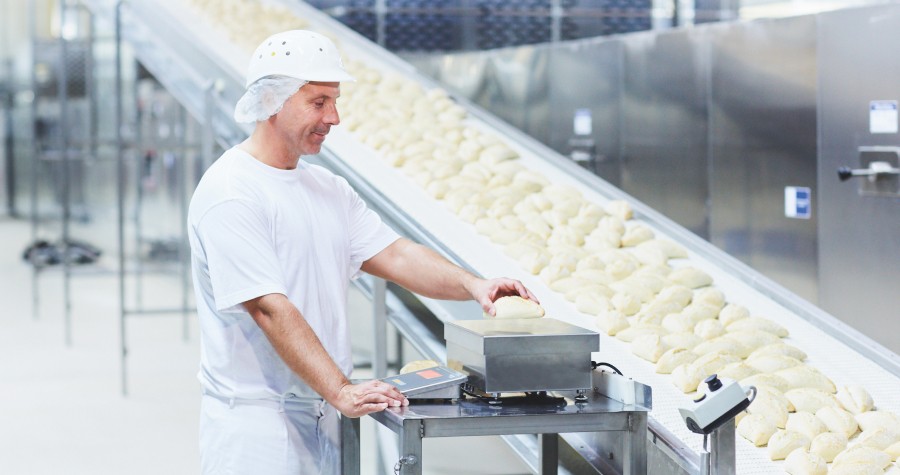
Weighing and inspection machines on a production line need screens that operators read in a second, that auditors accept, and that work on very different hardware.
This project designed that interface family for food and beverage, dairy, cosmetics, chemicals and pharmaceuticals plants.
Objective
Make the HMIs for industrial weighing and product inspection easier to learn and quicker to use, while meeting international standards in every industry they serve.
Approach
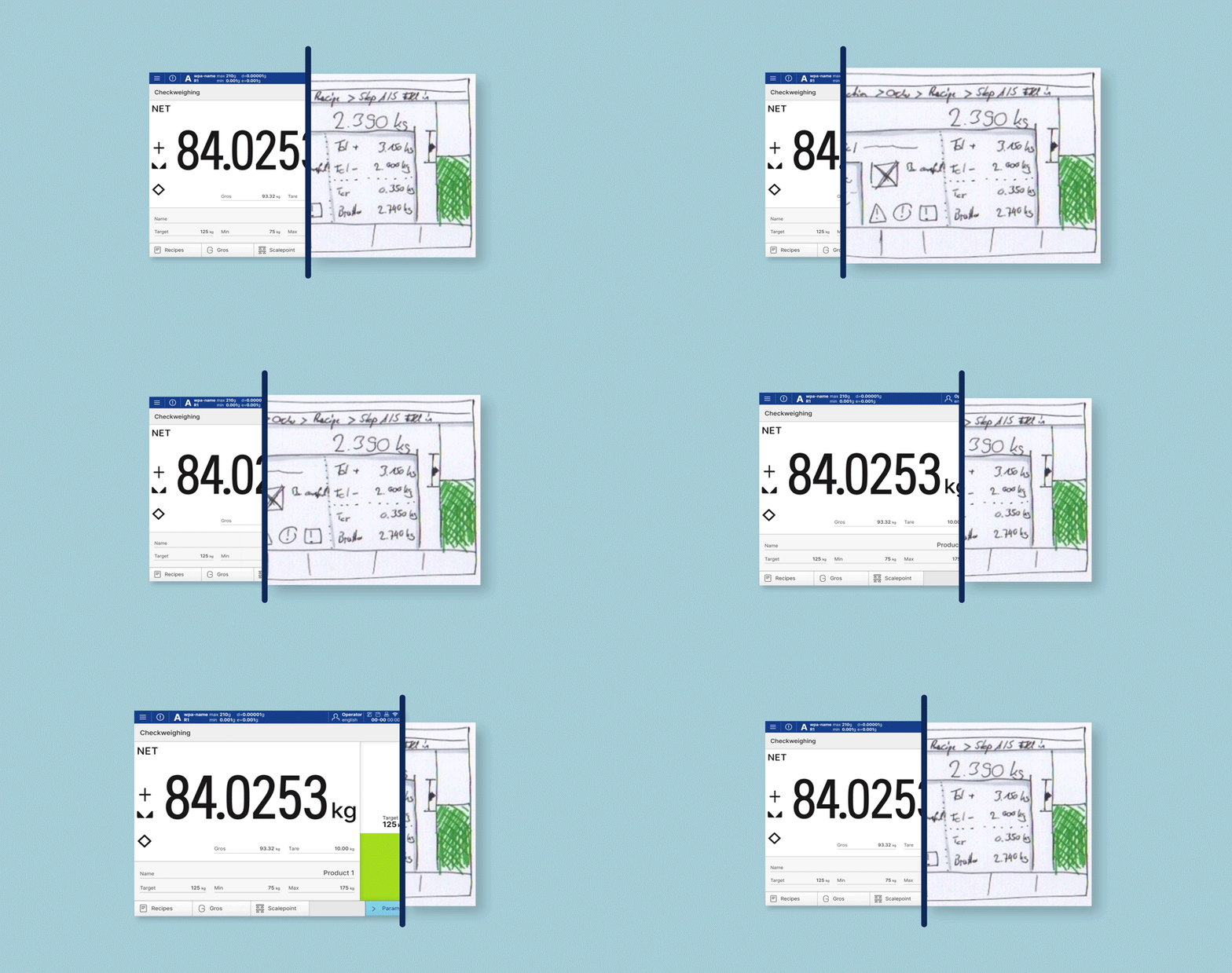
I started on the factory floor. Field studies, contextual inquiry and workshops with stakeholders showed how the machines are really used. From there the design moved from paper prototypes to wireframes to tested UI.
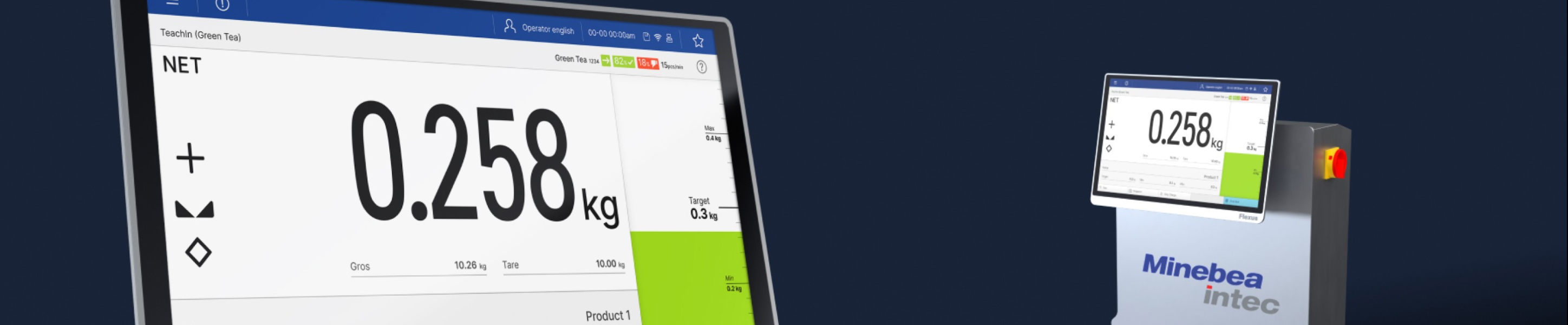
Alongside, I analysed user needs, mapped the regulatory requirements, checked which devices the interface had to run on, and designed for three kinds of input: touchscreens, hard keys, and desktops with mouse and keyboard.
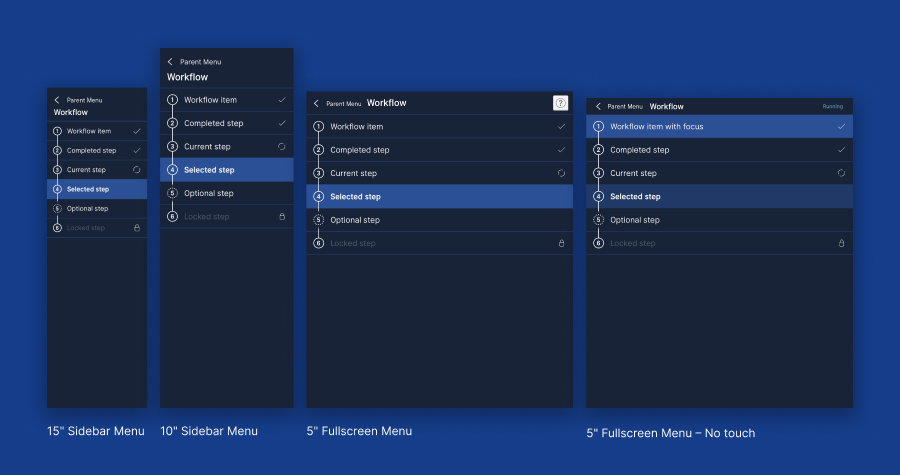
- One interface structure for every device, from tiny displays to desktop-sized panels.
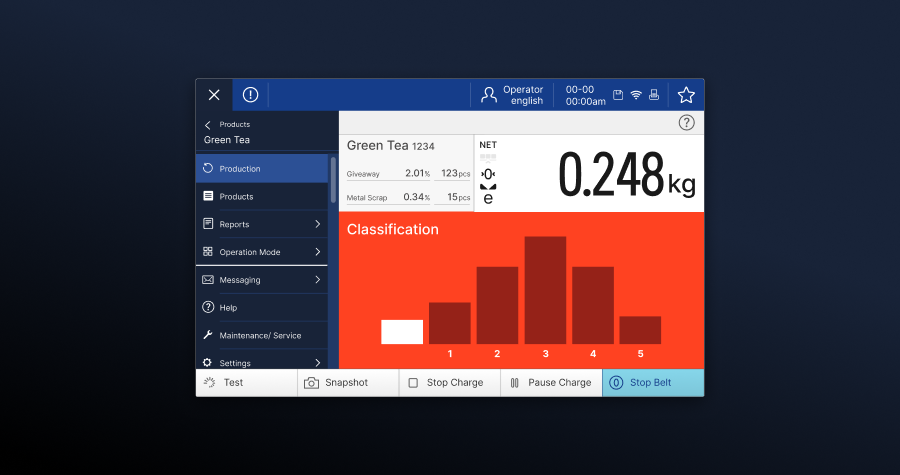
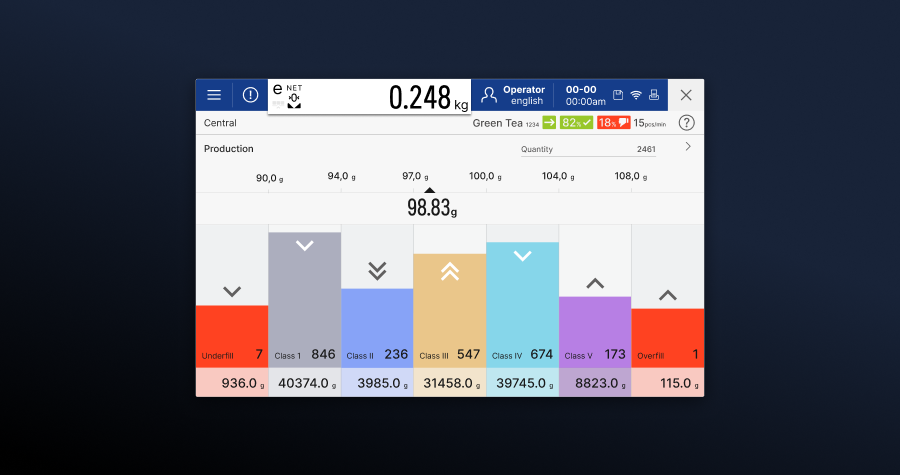
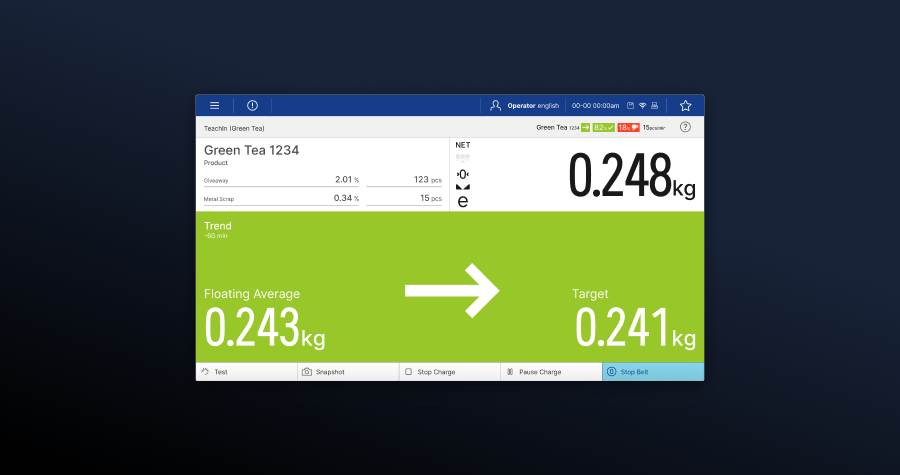
- Charts and infographics cut down to what an operator can read at a glance.
- A global design system that extends the corporate design with functional signal colours for status and interaction.
- Modular components that keep compliance built in and still leave room to adapt.
- Trends driven by several factors shown as coloured direction arrows, so the state of a process reads instantly.
- Simple visual cues, such as a pulsing dot, to show the system is running or a threshold has been crossed.
Challenges
The hard part was keeping the experience good while meeting strict rules, in plants that differ a lot from each other. Clear design guardrails, a precise definition of what each component does, and testing across many industrial settings and device setups made that possible.
Global design system
Vision
One design system that keeps every industrial product consistent, where you can tell what something does the moment you see it. Simple, and built to last.
Mission
Bring a modern visual language and regulatory requirements together, based on research, scalable across devices, and robust as the technology changes.
How I worked
Start from what users need, design with compliance in mind, scale with modular parts. Every component has a job and every interaction means something.
Impact
- Faster to learn, fewer mistakes. A clear hierarchy shortened training and improved accuracy.
- Compliant and usable. International standards met without losing usability across very different plants.
- Ready to scale. One system covering a wide range of devices and configurations in markets worldwide.
Operators recognise a component's function and status straight away. The screens carry less clutter, are quicker to read, and stay consistent across every application, device and input method.